


Industry statistics have shown that mobile messaging is currently 10 times more convenient than traditional support channels, such as telephone and email. Thanks to the development of what is now known as WhatsApp business API, medium-sized and large businesses can communicate more directly and quickly with customers, while users can connect with the brand to request support at any time.
However, it is worth noting that despite the significant advantages offered by a WhatsApp business API (application programming interface) account, many customers still do not use this channel frequently. This is mainly due to what is known as the default effect, which suggests that when faced with a wide range of options, people gravitate toward the one they know. This is why, in the vast majority of cases, customers tend to send an email or call for assistance.
This is leading many brands to consider planning strategies that make it easier to guide users toward instant messaging applications such as WhatsApp for business as their new primary communication channel. This is what we will discuss in today's article.
Why should you redirect users to your instant messaging channels, such as the WhatsApp Business API?
Instant messaging applications such as WhatsApp have become an integral part of our lives, as they allow us to communicate with friends, family, coworkers, businesses, and customers. All this makes them the most suitable communication channel for businesses to interact more effectively with customers.
In fact, using the WhatsApp app generates a higher level of engagement with users than email does. This interaction is faster, which generally also increases customer satisfaction.
At the same time, it is also important to note that using the WhatsApp business API, a service offered by telecommunications solutions provider Afilnet, makes it possible to improve customer service thanks to the chatbot, the virtual assistant that is available 24 hours a day 7 days a week. The chatbot handles customers' frequently asked questions, reducing the workload of human agents, who can then focus on more complex inquiries.
Not to mention that using WhatsApp as a primary channel helps businesses increase their conversion rates from potential customers to actual customers.
As you will have realized, using this instant messaging application's API offers significant advantages. It should therefore come as no surprise that businesses today are choosing to implement the service offered by Afilnet and encourage users to move from their website to the brand's business profile for more direct and effective communication.
How can you guide customers toward messaging channels such as WhatsApp Business API?
With all that said, you are probably now wondering how you can redirect customers to your messaging channels, such as WhatsApp business API for businesses. Do not worry, because that is exactly what we will discuss below, presenting some best practices and effective strategies to help you achieve this goal.
Highlight the channel on your contact page
The first thing you should do is try to add a button to your business website that allows customers to connect directly with your brand's WhatsApp business profile . Remember that users interested in purchasing a product or service you offer often visit your website. You should therefore not miss the opportunity to redirect those potential customers to your business WhatsApp account.
To do this, we primarily suggest adding a WhatsApp button that is easy to find and easy to use. When customers click the button, the WhatsApp application will open, allowing them to start a more direct conversation with the brand. When customers start a conversation, within seconds they will receive a welcome message created using message templates that have been preapproved, providing some very useful general information. Customers can then interact with the chatbot, which will try to resolve the most common inquiries. If the virtual assistant cannot meet a user's support needs, it can redirect them to a chat with a human agent.
It is worth noting that to prioritize this communication channel on your business website, it is important to place it in the upper or lower half of the page, highlighting that it is a more efficient channel than the other options available. At the same time, we suggest changing the call-to-action button. Instead of adding a contact CTA , create a “Chat with us” call-to-action button.
Send transactional messages through messaging channels using message templates
We also suggest encouraging and prioritizing the use of WhatsApp API as a business-to-customer communication channel by sending transactional confirmations. This is a natural way to integrate these new channels and encourage users to use them to contact a brand. This means you can use WhatsApp Business API to automatically send messages of a transactional nature or notifications, such as purchase confirmations, appointment or reservation confirmations, identity verification, or updates on changes to an order's shipping status.
To benefit from this service, customers must select the option to receive updates or confirmations through the messaging application when they register, with all the benefits of using this channel highlighted. In this way, your brand will naturally encourage the integration of the WhatsApp app as a primary channel.
Remember that to send these types of WhatsApp messages, you must use message templates that must be approved by Facebook. But you need not worry about this, because Afilnet, a leading company among official WhatsApp providers, is here to help you throughout the integration process.
Set up your website's chatbot
To promote the WhatsApp app as a primary communication channel, it is also essential to offer greater communication efficiency. This is where what we mentioned earlier comes into play: chat as a virtual assistant that can welcome customers who contact the brand through WhatsApp to resolve and answer frequently asked questions.
Thanks to the chatbot, you can set up a customer support center that is available 24 hours a day, 7 days a week, even outside the business hours when human agents are available. If a customer needs help late at night, they will be able to contact the company's WhatsApp and receive the assistance they need, improving their satisfaction with brand communication and reducing their waiting time.
Thanks to these preconfigured automatic replies, we assure you that the customer will have a positive opinion of your company and will feel encouraged to continue using this communication channel in the future.
Create a QR code
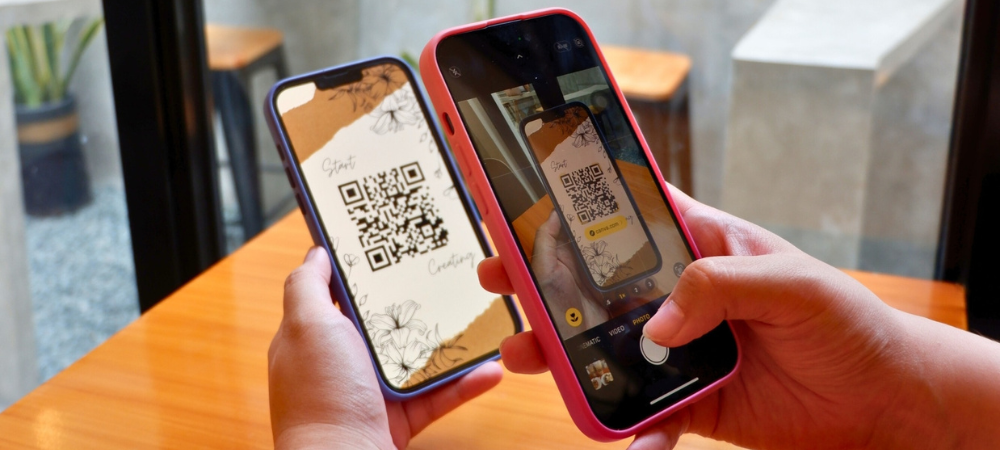
Finally, the last tip that can help you promote the use of WhatsApp as a primary communication channel is creating and integrating a QR code. With the QR code, you can make it easier to communicate and redirect users to the business profile with a single company phone number, since all users need to do is scan the code and wait a few seconds for the app and the brand's WhatsApp chat to open.
Thanks to this tool, users will no longer need to search for contact information or manually enter the phone number. By opening their phone's camera and scanning the code, they can communicate directly with the company and receive the support they need in a matter of seconds.
Conclusion
Ultimately, it is extremely beneficial and advantageous for a company today to implement WhatsApp Business API as its main means of communication and connection with potential customers and users who want more information or need to resolve an issue. Its features, including chatbots, quick replies, message templates and the ability to create a multi-department, multi-agent customer service center with a single phone number, make the WhatsApp API for businesses the most effective business communication solution available today.
The important thing is to encourage customers to use this communication channel by adding an eye-catching button to the company website, creating a natural transition by sending transactional messages, and integrating an efficient chatbot.